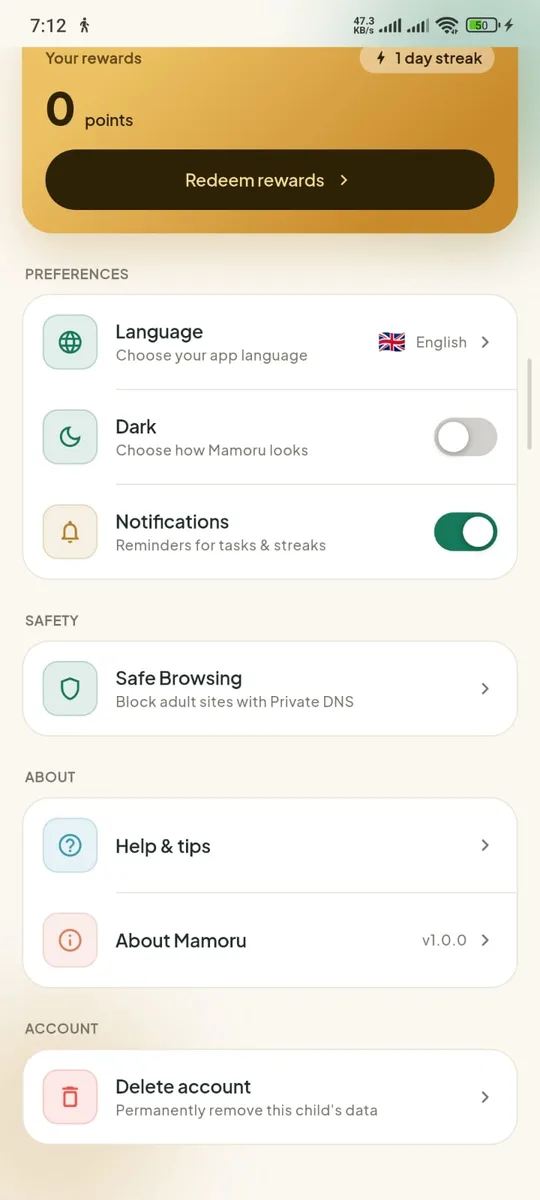
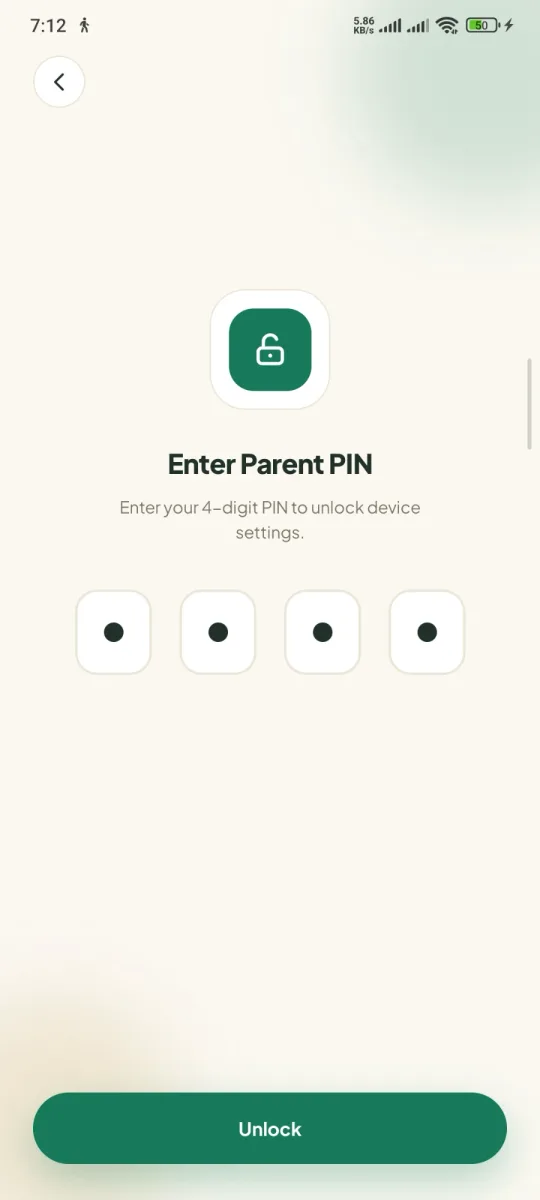
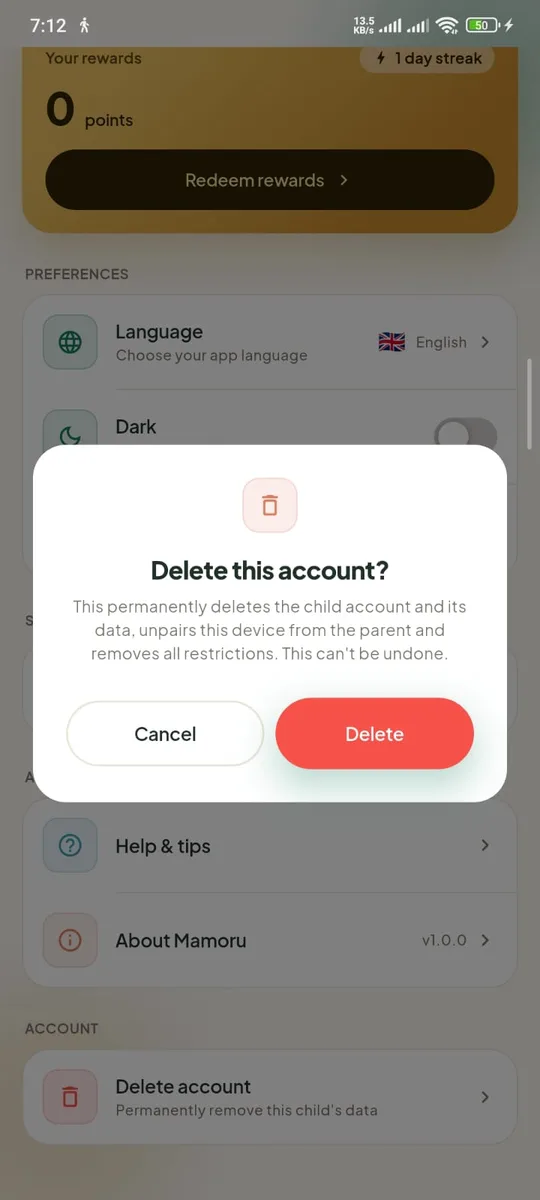
Option 1 · Mamoru parent app
Delete from the parent app
The parent removes the child from the Mamoru app. Takes effect immediately.
 1
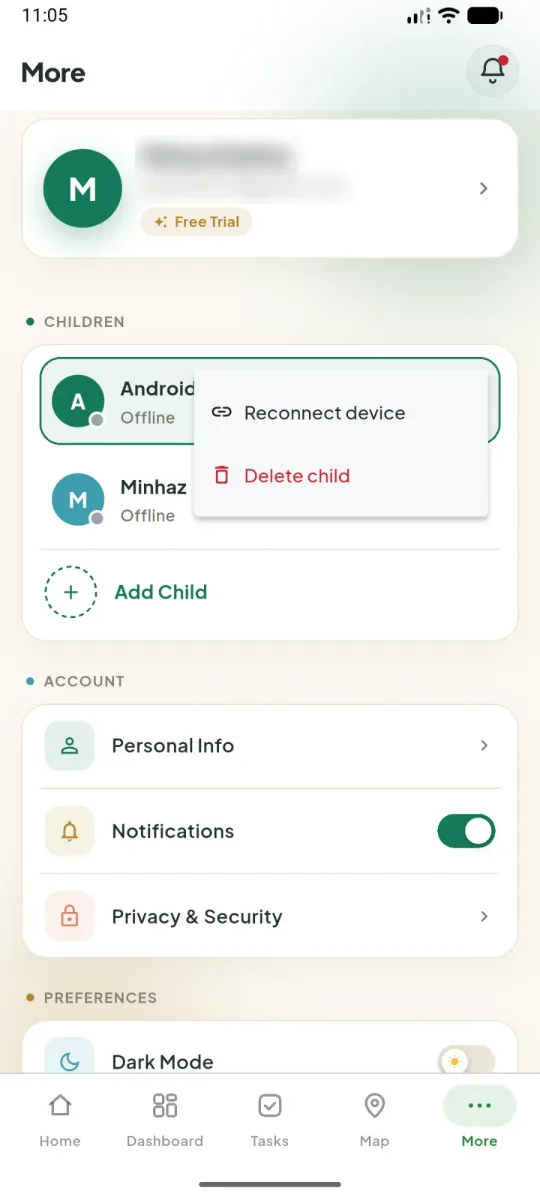
1Open More → Children
In the Mamoru app, tap More, then the ⋮ next to the child and choose “Delete child”.
 2
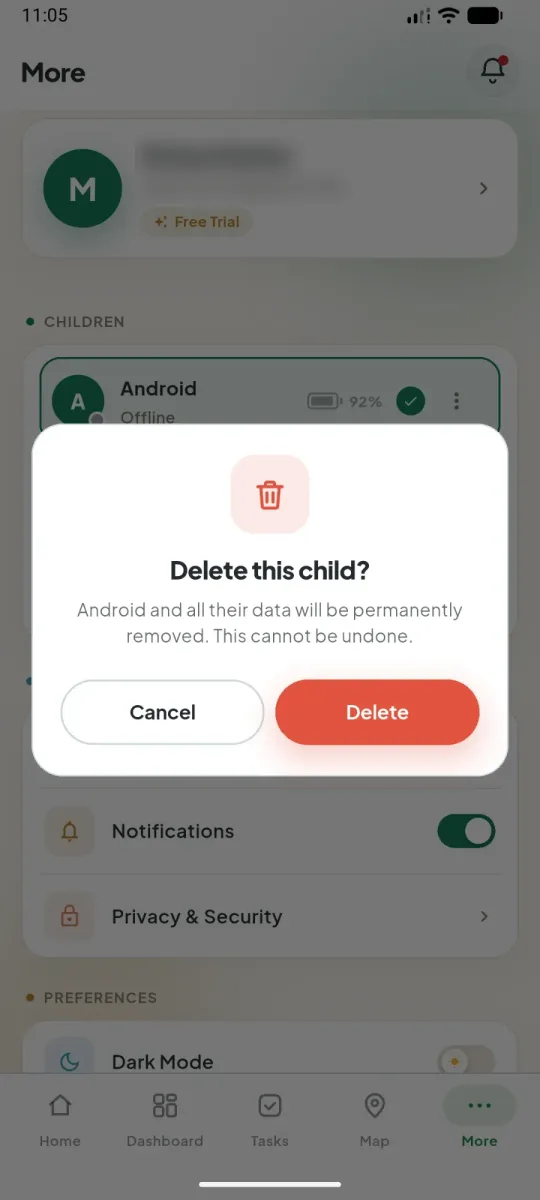
2Confirm with “Delete”
The child and all their data are permanently removed. This cannot be undone.
 3
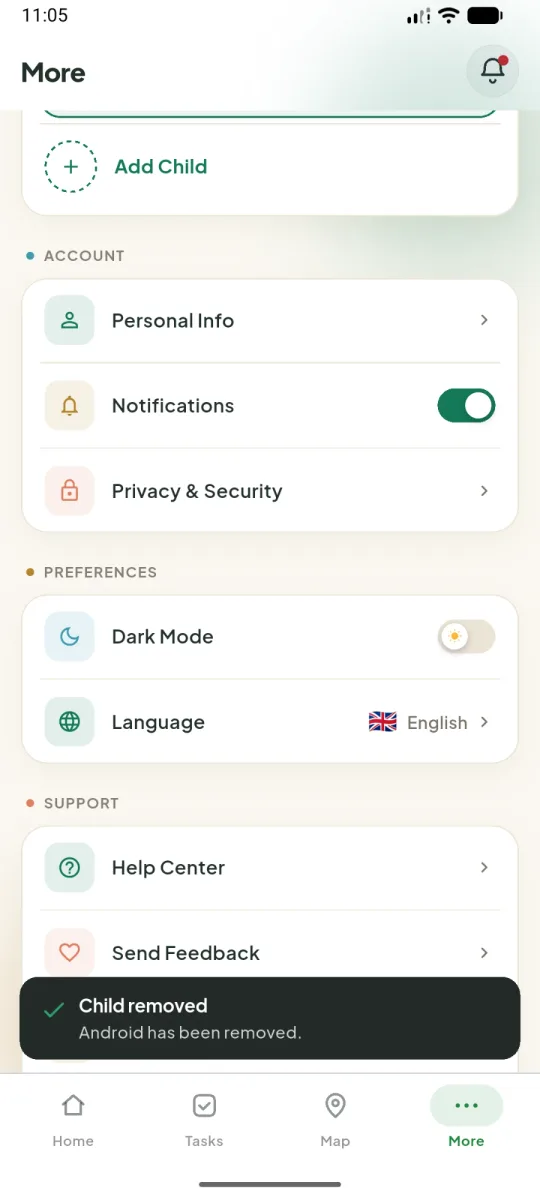
3Done
You’ll see “Child removed”. Mamoru Kids on the child’s phone unlinks itself and clears its data.